2

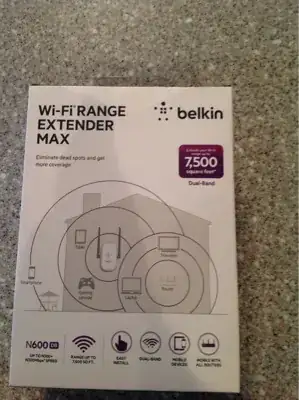
I have the N600 DB. I'm having trouble finding what the different led colors mean on its indicator light.

My box was absent any documentation. The included CD is for windows and Mac. I use Linux on a laptop with no optical drive. So that's fairly useless at the moment.

Can anyone point me to a URL that contains a description of what the different colors mean?

enter image description here enter image description here

Rick
  • 295

1 Answers1

4

I found it online

Off: The Range Extender is not plugged into a power source. Blinking Blue: The Range Extender is starting up.

Solid Blue: The Range Extender is connected to the Wi-Fi® network.

Solid Amber: The Range Extender is connected to the Wi-Fi network but is experiencing a weak signal. The weak signal may be either the 2.4GHz or 5GHz band.

A weak signal may lead to performance problems. Consider moving the Range Extender closer to the wireless router. Blinking Amber: The Range Extender is not connected to the Wi-Fi network. Check to make sure that your wireless router is functioning properly, and/or move the Range Extender closer to the wireless router.

Alternating Blue/Amber: The Range Extender is ready to be set up. (Refer to “Getting Started” for instructions on how to set up your Range Extender.)

Rick
  • 295