First of All you have to get the all contacts from clients device,
Note : You Have to Check For Contacts Permissions by your self & don't Forgot to add Permissions Manifest.
Call initData() in onCreate or After Checking Permissions.
here is the code to get Contacts from Clients Device.
private void initData() {
    Cursor cursor = getContentResolver().query(ContactsContract.CommonDataKinds.Phone.CONTENT_URI, null,null,null,null);
    while(Objects.requireNonNull(cursor).moveToNext()){
        String name = cursor.getString(cursor.getColumnIndex(ContactsContract.CommonDataKinds.Phone.DISPLAY_NAME));
        String number = cursor.getString(cursor.getColumnIndex(ContactsContract.CommonDataKinds.Phone.NUMBER));
        // Finds the contact in our database through the Firebase Query to know whether that contact is using our app or not.
        findUsers(number);
    }
}
While Getting Each Contact one by one from clients device, simultaneously we will trigger the firebase query to check whether that contact is using our app or not.
So we are using "findUser" Method to check whether that contact is using our app or not.
private void findUsers(final String number){
    Query query = FirebaseDatabase.getInstance().getReference()
            .child("User")
            .orderByChild("phone")
            .equalTo(number);

    query.addListenerForSingleValueEvent(new ValueEventListener() {
        @Override
        public void onDataChange(@NonNull DataSnapshot snapshot) {
            if (snapshot.getValue() != null){
                Map<String, Object> map = (Map<String, Object>) snapshot.getValue();
                // this will print whole map of contacts who is using our app from clients contacts.
                Log.d("ContactSync", snapshot.getValue().toString());
                // so you can use any value from map to add it in your Recycler View.
            }
        }

        @Override
        public void onCancelled(@NonNull DatabaseError error) {
            Log.d("ContactSync", error.getMessage());
        }
    });
}
Here is how my database structure looks like.
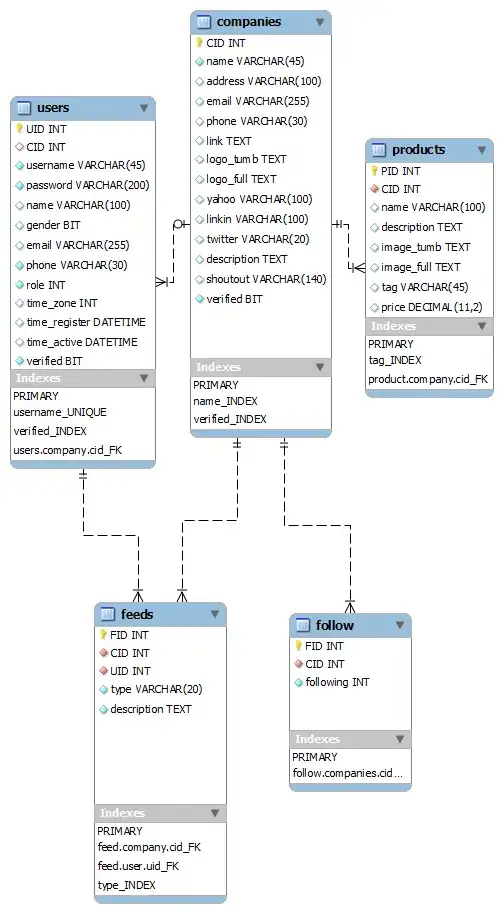
Thanks for reading this answer,
I hope this will be helpful!


