Banding and blotchiness in images is often caused by excessive post processing. There are a few ways to avoid causing such effects:
- Capture in RAW and post process with high bit-depth color. Make sure "dithering" is enabled when exporting to 8-bit color.
- Use the sRGB colorspace.
- Limit the amount of post processing.
- Make sure editing tools have "dithering" enabled.
- Avoid noise reduction.
- Add additional noise.
Colorspace
The Save As dialog clearly shows you are exporting using the ProPhoto RGB colorspace. When you do this, a larger range of colors than usual is compressed into a limited number of bits. The result is the blotchiness you are complaining of. Unless you have a specific need to use a different colorspace, you will minimize problems associated with colorspace conversions by using the sRGB colorspace, especially if your target output is JPEG.
Dithering
How to enable dithering depends on the particular software and tools being used. When converting color spaces, dithering is often enabled and may not be disabled. Tools like gaussian blur, levels, and curves do not have dithering options.
For Lightroom, a general internet search turns up nothing for dithering. Your best option is to edit in high bit-depth color, then export to 8-bit. Usually, color management algorithms have dithering built-in.
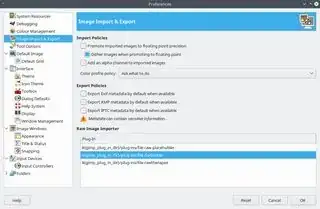
If available, the option may be available as a checkbox in a dialog somewhere. It may also be located in the program's general preferences dialog. For example, in GIMP: