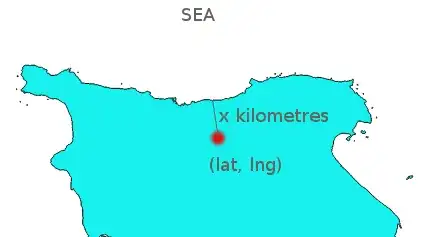
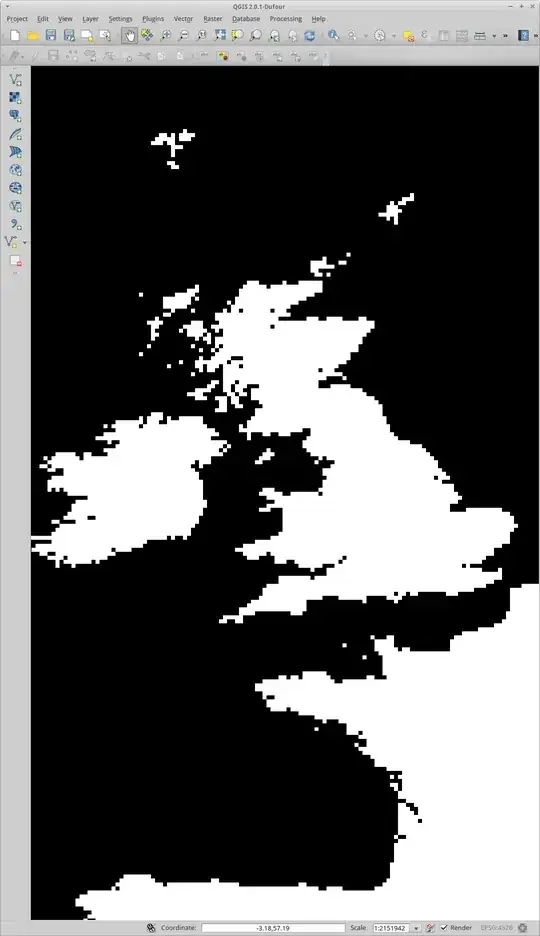
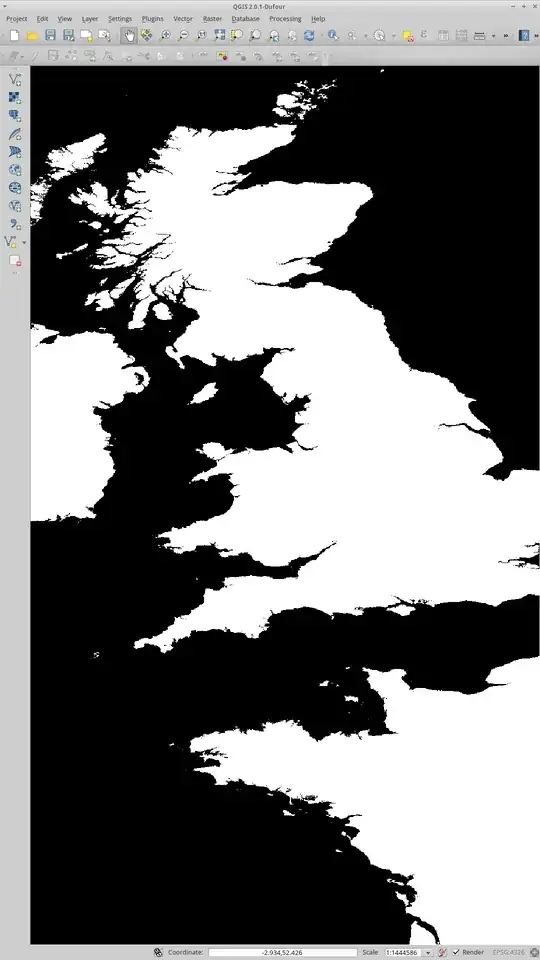
Based on Shortest distance from point to line (big dataset).
Your resolution is 100 metres, but probably as a geographic distance like 50 ArcSeconds, create a distance raster using gdal_proximity. This utility calculates the distance from each cell to the closest cell in another raster, for this you will need to rasterize the sea with GDAL_Rasterize. Both of these tools can be found in your QGIS install location.
There will be a units problem if you create the distance raster in geographic coordinates. In order to get kilimetres you will need to rasterize the sea in a suitable projected coordinate system and then project the distance raster to geograpic coordinates to do the lookup. This will give you the fastest response time as you're not projecting the query coordinate at the time of lookup.
Look up the raster on your web site, server side.. if you use BIL format then it can be accessed in a binary form where your row and column are taken as an offset from the origin divided by cell size. Or you can use GDAL to get the value for the individual pixel on the server.
If rasterizing isn't an option you can use OGR distance operator on the OGRGeometry class. Here's a quick script in python that shows how to do it:
from osgeo import ogr, osr

# open the shape file
driver = ogr.GetDriverByName("ESRI Shapefile")
ds = driver.Open(r"d:\path\to\shapefile.shp",0)
Layer = ds.GetLayer()
ProjSR = Layer.GetSpatialRef()

# create a new spatial reference and assign it to WGS84
DD_SR = osr.SpatialReference()
DD_SR.ImportFromEPSG(4326) # WGS84 - geographic

# get the first feature and its geometry
ft = Layer.GetFeature(1) # you may need to loop through features
Geom = ft.GetGeometryRef()
# distance is measured to the boundary or the
# return distance would always be 0 for inside
Bdy = Geom.Boundary()

# create the point
pt = ogr.Geometry(ogr.wkbPoint)
pt.AddPoint_2D(1,1) # insert your own coords here

# transform to the spatial reference of the layer
pt.AssignSpatialReference(DD_SR)
pt.TransformTo(ProjSR)

print pt.Distance(Bdy) # distance operator
Of course the returned distance is in the same units as the data and to get metres you will need to transform at some point using OGRErr transformTo (OGRSpatialReference *poSR) it's just a matter of creating two OGRSpatialReference objects - one for lat/lon (input coordinates) and another for the projected data; keep the boundary in projected coordinates.
OGR will work on Linux, the binaries are installed with QGIS but the headers may not be, obtain them from http://www.gdal.org/ . I have used OGR in C# and C++ and they work well.
I'm not familiar with the area of interest, it's the United Kingdom I think. I suggest that you post a question asking for "what OGR projected coordinate system to use for measuring distances in kilometres to use for (insert your area of interest here)" for suggestions on what spatial reference to use for the polygons if you don't already have one in mind. In this example I am using WGS84/Geographic as the input point spatial reference which may or may not suit your input method; if you are getting the point from google earth then it's probably acceptable.