1

I've been trying to export a few map layers using QGIS print composer. First, I loaded the layers and opened the composer using Project -> New Print Composer:

enter image description here

Gave it a proper name: enter image description here

Added a new map: enter image description here

Exported as image: enter image description here

However, the outcome is shifted a few dozens of kilometers westwards: enter image description here

This specific west shift is inconsistent; sometimes I experience a smaller shift or a shift in another direction. Moreover, the scale often changes too - which makes map exporting impossble.

I'm using the newest QGIS version: enter image description here
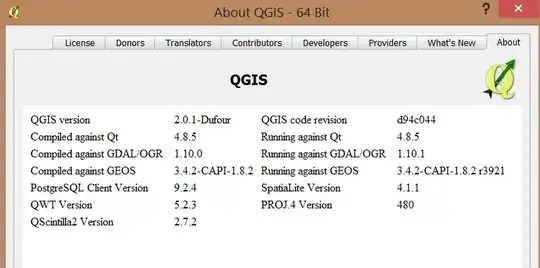
Any idea how to export the image properly? I'm currently using screenshots, which are a poor solution.

PolyGeo
  • 65,136
  • 29
  • 109
  • 338
Nitzan Matan
  • 2,857
  • 4
  • 26
  • 53

2 Answers2

3

I had similar problems using the 64-bit Qgis; I have NOT had this problem using the 32-bit version of qgis. My workaround was to switch to the 32 bit version.

user25245
  • 46
  • 1
2

Here's the bug report for this issue: https://hub.qgis.org/issues/5827#change-55576

These problems have been around forever, see Why do OpenLayers plugin layers appear shifted in QGIS print composer?

It's known. The only thing that seems missing are resources to actually fix it.

underdark
  • 84,148
  • 21
  • 231
  • 413