I'm not much of a GIS user, but I've got a big ascii file that I'm trying to convert into a
lat  long  data
x1   y1     d1
x1   y2     d2
x1   y3     d3
x2   y1     d4
...
etc
format, so that I can work with it in R. I've got global national identifier data (i.e.: which country occupies what grid) at 2.5 arc-minute resolution, but I want to coarsen it into half-degree, because that is the resolution of the rest of my data. I could do so in R if the file weren't so large -- its 3.9GB and I can't read it into memory. A NetCDF file would obviously be ideal for me, but I can't find a netcdf version of the data I want.
The data is categorical -- country identifiers. What I want to do is simple to take each 12x12 block of gridcells, evaluate that N=144 matrix, and return the country that appears the most times. (I'd also like it to ignore NA values, unless all values are NA). This would be easy enough in R if I could only open the darn text file.
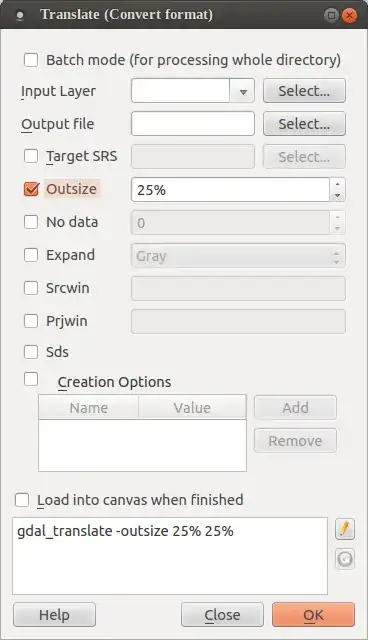
So I opened QGIS, but there doesn't seem to be any obvious way to "coarsen" a raster.
Is there one?
Then it occured to me that I could convert the data to vector, and then convert it back to raster, specifying the resolution that I want.
BUT is there a way to do so that would allow me to specify that each gridcell should be .5x.5 degrees, going from -180 to 180 and -90 to 90?
This seems like a pretty gross hack.
Is there a better way?
I've decided that it makes more sense for me to just make the file into a netcdf using a remote machine with the memory for it.