0

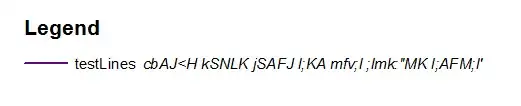
I work with arcview 10.3 and i have layer with long description (green),hence the legend spread throw out the map:

I have to use a singel symbol for the layer enter image description here

and not use the unique value as describe in How to allow for multiple lines in legend? enter image description here

I wonder if there a way to shorten the description line by sliding the line into another line under ?

newGIS
  • 4,062
  • 4
  • 41
  • 92

2 Answers2

1

I just tested this from the Help page entitled Working with legends where it says:

You can enable text wrapping on labels and descriptions by checking the boxes Wrap labels and Wrap descriptions, respectively, and setting maximum width values.

If there are any issues doing that, then the section on Converting map elements to graphics at the same page says:

You might want to convert a map element, such as a legend, to graphics if you want more precise control over each item that composes the map element.

Fortunately, the first technique above seems to work fine because I did as below and saw the Description of a layer with a Single Symbol wrapped as expected.

enter image description here

enter image description here

enter image description here

PolyGeo
  • 65,136
  • 29
  • 109
  • 338
1

If you click

CTRL+ Enter

a new line is entered and reflected within the legend.

enter image description here

MapMan
  • 2,164
  • 1
  • 22
  • 32