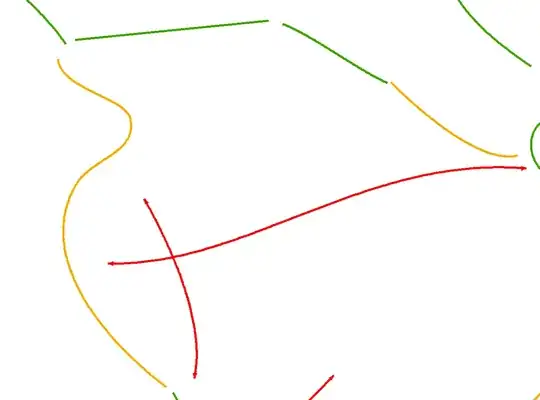
This is related to an old problem of mine, regarding arrowheads on lines, which doesn't look very nice unless the line is very thin. It's even an ArcGIS idea with quite a lot of votes (although no apparent attention from ESRI).
My current workaround consists of splitting the lines at a specified distance from the end, distance depending on the intended scale. Then change the symbology on the end part to contain arrows. Hopefully they will connect nicely to the rest of the line, which then can be a lot thicker.
However, this time I need arrows on more lines than I care to edit manually, and I need arrows in both ends. So I figured out I need to split my lines at about 110 m from each end. How can I accomplish that? There are no vertices, points or anything at that location which I can use. All my lines are of different lengths. Every function I have tried (native ArcGIS functions, ET Geowizards) can only split the lines multiple times in equal segments, and only count from one side. I only need one segment at each end, and it has to be 110 m.
I guess I could use the split function twice on each line, select the segments I need and be happy with that. It seems highly ineffecient though.
How should I go about fixing this, or are there any other workarounds to get my arrows look nice? Python solutions could work as well.
I have a Basic license, Python 2.7, Spatial analyst and 3D analyst to work with.
I have a number of lines that looks like this: