9

I've been having some Graphics glitches with the assassins creed series (specifically 2/BH/Rev) and until today I assumed it was an issue with the game itself.

There are times where the textures/polygons seem to stretch out forever.
Similar to:
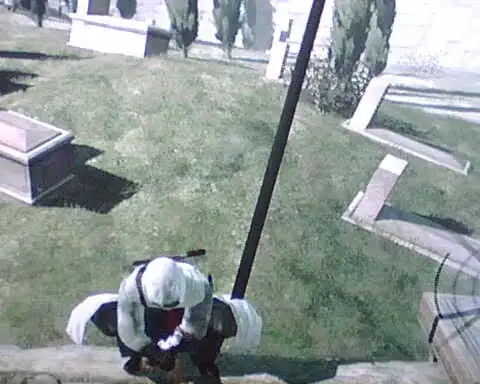
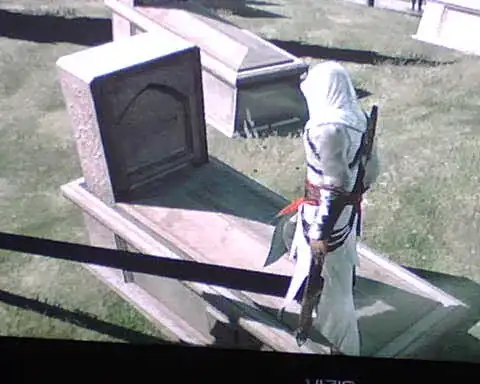
Graphics Glitch Screen 1 Graphics Glitch Screen 2

Some Reading would suggest its a heating/dust problem and could lead to the YLOD. So at this point I'm in fear for my PS3.

Two part question:

  1. How can I determine if it is a hardware problem?
  2. I'm unsure about whether to open it and clean it or not. Some people say that its too dangerous and others say it is real easy. Maybe I should stick to cleaning the vents first?

(I'm assuming cleaning it is probably good even if this isn't a hardware problem)

UPDATE :- Still happening after cleaning out as much dust as I could. I took a picture of it happening myself after only half hour: screenshot Only seems to happen with these games. So far.

UPDATE 2:- Tried my games on a different playstation and everything worked fine. I haven't found any way to fix it.

James Khoury
  • 242
  • 2
  • 11
  • 9
    Those look like classic artifacts. That's usually a sign that your video card is overheating, and may actually be past the point of no return. For a PS3, that may mean it's on its way out. I'd HIGHLY recommend backing up all your saves; if your PS3 dies permanently, there's no way to retrieve them if you don't. – Frank Aug 21 '12 at 13:51
  • @fbueckert Thats about it. It is almost 100% a hardware problem and it is also almost 100% your video hardware. I am not sure how a PS3 hardware works, but blowing out the dust and cleaning it would be your best bet at this point. Does it happen always or after extended play? – Emerica. Aug 21 '12 at 15:44
  • Assuming your unit is rather old and considerably dusty, you may want to purchase a cooling unit for your PS3 after you clean it out. They can be picked up from your local Video Game store and some general merchandise stores for as little as $25. – RLH Aug 21 '12 at 19:19
  • @Emerica. I've always had this problem with AC2/BH/Rev but not specifically extended play. The odd thing is its only happened for these games for me. – James Khoury Aug 22 '12 at 01:53
  • @RLH could you link to an example? – James Khoury Aug 22 '12 at 01:53
  • Here is one on amazon: http://www.amazon.com/gp/aw/d/B002ISCORE – RLH Aug 22 '12 at 02:05
  • @RLH Ah I see they sit on the outside and pull more air in. I'm not sure if I've seen my local game shops selling it but I will ask. – James Khoury Aug 22 '12 at 02:10
  • I don't have time at the moment but you can see if your game store has a search local inventory online feature. If you live in a bigger city, you may have quite a few GameStops or other outlets. IF you can search online, you may be able to place one that you need without having to drive around town. I mention GameStop because even if you don't live in America, there is a fair chance that whatever chain that is in your area is probably owned by the same parent company and may have this feature in your area. – RLH Aug 22 '12 at 11:36
  • +1 OMG, I have the exact same problem now with GTA 5 with my PS3 now!...I been searching a lot what causes this problem...I also first thought it was the game...here's my question on the subject:http://gaming.stackexchange.com/questions/133123/gta-v-graphics-bugs-on-ps3 – jjepsuomi Oct 06 '13 at 20:07

2 Answers2

3

It is a hardware problem if software updates don't fix it though a software update could fix it if the hardware problem was or could be cause by software use.

Make sure you have the latest system update and AC version.

Cleaning it is definitely a good idea and it isn't too complicated. The dust build-up will restrict airflow effectively reducing the amount of heat dissipation that is possible which can result in heat damage.

A helpful teardown guide: http://www.ifixit.com/Teardown/PlayStation-3-Slim-Teardown/1121/1

Unfortunately if heat damage has already limited the hardware in some way any efforts are going to be in prolonging the life and will most likely not fix anything.

Enigma
  • 2,265
  • 4
  • 28
  • 54
  • The tear down guide wouldn't have helped me as I had a fat model. I did open it up and clean out the dust. Didn't help though. It is fully up to date. – James Khoury Sep 19 '12 at 00:00
  • 1
    Then as the comments above suggested, it has likely already been damaged to an extent. If you care for it well from here on out, you should still see some good life in the console. A good console cooler will definitely help dissipate the heat. The built in cooling fans are minimal at best. I have a fan to the left of my PS3 near the back that blows the hot air in the back of the PS3 away to the right. You don't want air blowing in though. – Enigma Sep 19 '12 at 00:03
0

This could as already stated be a sign of a hardware issue in the PS3 itself, However don't overlook the possibility of it being a television problem. Try hooking up to another tv, and if that does not fix the problem there may even be something up with the AV or HDMI cable you are using. if swapping out these things does not help and you are still under a warranty I would recommend downloading all your save files to flash drives and return the ps3 for a new one.