There are few ways to determine the location of the SQL Server mdf file(s) and associated log file(s).
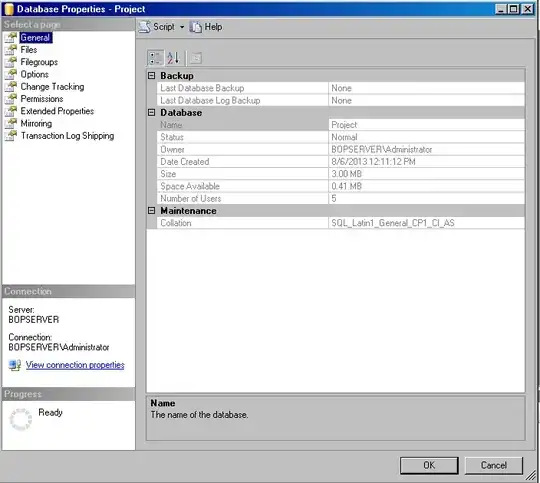
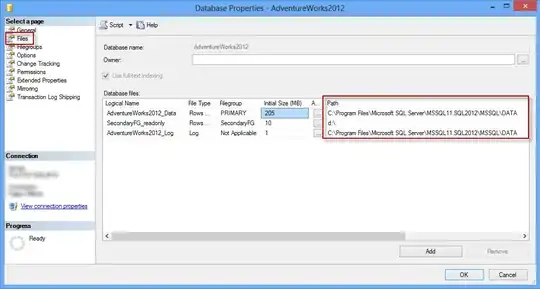
Open Enterprise Manager, right click on the database you are interested in and select properties. Select the Files section and scroll across to the Path and FileName columns.
Open a query window and run the relevant query below and view the Physical_Name column.
SQL 2005 or later:
SELECT * FROM sys.database_files
SQL 2000:
SELECT * FROM dbo.sysfiles
- Open a query window and run
sp_helpfile and view the FileName column.
Of course, as these files are in use by SQL Server you should not attempt to copy the files to a different location.
The best method is to perform a backup from within Enterprise Manager by right clicking on the database you are interested in and selecting Tasks -> Backup.
Alternatively you can detach your database, copy the files and then attach.
A third alternative once you have a copy of the database running elsewhere, is to set up log shipping or replication.