By default, Preview displays pages like this in two-page mode:

How can I get it to display them like this instead?
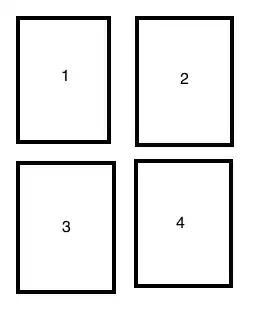
Acrobat does the latter but Acrobat is not nearly as responsive with this file as Preview is.
By default, Preview displays pages like this in two-page mode:
How can I get it to display them like this instead?
Acrobat does the latter but Acrobat is not nearly as responsive with this file as Preview is.

I recommend to add a blank page as the new first page:
I have been bothered by this for a long time. By accident, I have discovered a bug of Preview. And I have noticed that by exploiting this bug we can change the pairing.
By default, Preview displays pages in two-page mode like this:
page 1
page 2, page 3
page 4, page 5
etc.
To change the pairing, click on the view icon on the toolbar and choose Continuous Scroll or Single Page (or simply press Command+1 or Command+2), then right click on the pages and choose Two Pages or Two Pages Continuous.
To change it back, click on the view icon on the toolbar and choose Two Page (or simply press Command+3).


