I don't find how to draw a curved arrow in a Keynote'09 presentation... I'm sure is really before my eyes but .....
Asked
Active
Viewed 3.4k times

2 Answers
18
Create the Arrow
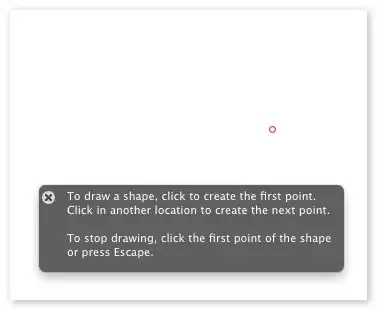
From the Insert Shape menu choose the "Draw with Pen" tool:

Click once at one end of your curved arrow:
Click and drag at the other end of your arrow:
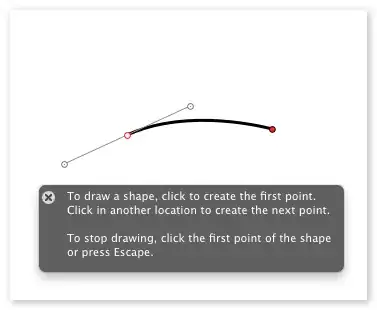
Hit the Escape key to stop drawing.
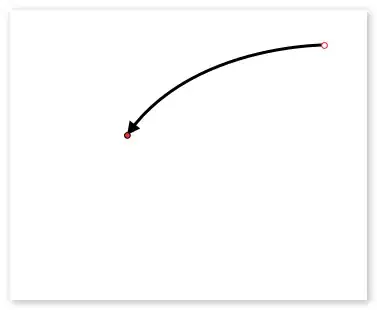
From the line ends menu, choose an arrowhead you like:

Edit the Arrow
To reshape the curve, click on it once, then click on it again;
When the endpoints turn red you can change things:

Click and drag the round circles at the end of the gray Bezier
handles to reshape the curve (a little practice makes perfect):

Click and drag one of the red endpoints to change the start or end:

Matthew Frederick
- 6,196
-
Do you know how to reset curve handles on a point? It's very common for me to have a point with handles that cannot be dragged anymore. – Olivier Lacan May 14 '12 at 15:31
