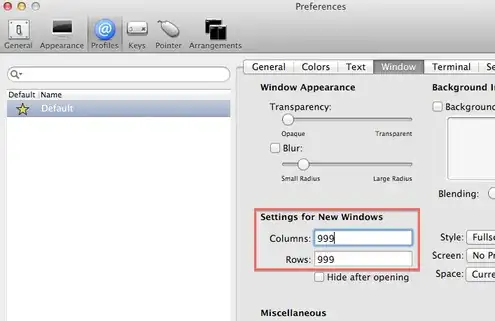
I feel like this is a pretty stupid question but I Googled it and played around with it and still didn't figure it out so here we go:
When I open iTerm2, it opens in a default size. How can I set it to open in a different window size?
I feel like this is a pretty stupid question but I Googled it and played around with it and still didn't figure it out so here we go:
When I open iTerm2, it opens in a default size. How can I set it to open in a different window size?

The easiest way to have iTerm2 open with a specific size, position and number of windows is:
Window -> Save Window Arrangement and give it a nameSet Default button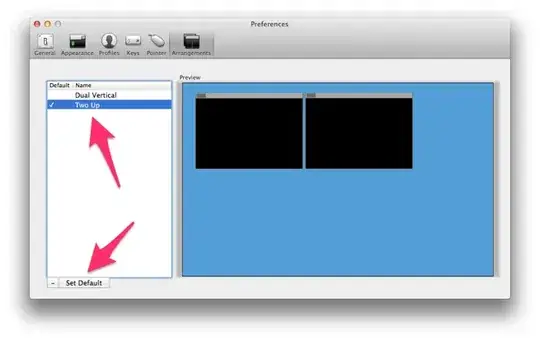
Open default window arrangement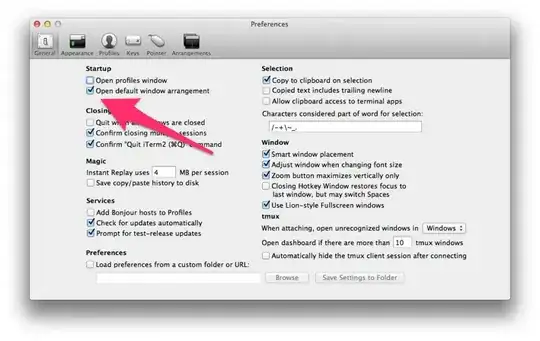
Now, when you start iTerm2, it'll use your saved arrangement to place, size and create the number of windows you saved. You can adjust the settings any time by placing things as you like them and re-saving the default arrangement.