I would like to give my iPod touch as a gift to someone I know, but I want to be sure that there is nothing left on it to avoid giving data with it...
How do I clean the iPod ?
I would like to give my iPod touch as a gift to someone I know, but I want to be sure that there is nothing left on it to avoid giving data with it...
How do I clean the iPod ?

Settings / General / Reset / Erase all )you can see full detailed here.
Also you can use itunes, and go to the restore feature. This will take your ipod back to factory default.

I would also suggest renaming the iPod, which you can do by clicking the name in iTunes after you selected it. Then just type the new name. If I recall correctly resetting it does not remove the name.

1, erase all the data from your iPod touch by goning to: Settings > General > Reset > Erase All Content and Settings.
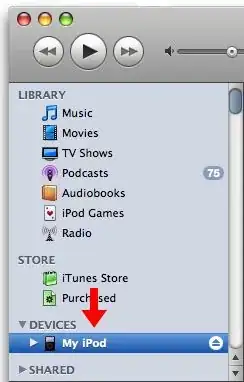
2, restore your iPod touch using iTunes. Refer to the following picture.

3, use data eraser.
