I have a late 2014 MBP that I hook up to power and an external hard drive at work every weekday for 8 hours. I've been running Yosemite for less than a week, and before that I was running Mavericks.
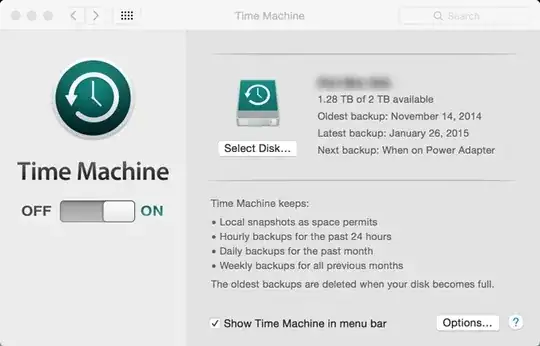
Time Machine only seems to complete a backup once or twice every 2 weeks. Today I got a message that said, "No Backups for 10 days." I see similar messages all the time, and I think usually they say there haven't been any backups for 5 or more days. If I open Time Machine, I can see numerous entries in the timeline for the past several days--I assume these are the "snapshots."
What could be causing Time Machine to fail to complete for so many days in a row? Is there something I can do to improve its success? If not, am I at least safe as long as it completes once in a blue moon and shows recent snapshots in the Time Machine app?
Edit: after connecting at work today, the Time Machine settings dialog said something to the effect of, "Next backup: when disk is connected." I unplugged the disk, then plugged it back in at 1:57 PM and it changed to, "Next backup: Today, 1:47 PM." I still don't understand why it doesn't seem to detect the disk when I initially connect it.


com.apple.backupd-helper: Not starting scheduled Time Machine backup: No destinations resolvable.I don't see any entry reporting that the external drive was mounted or even detected around that time. However, after unplugging the drive and plugging it back in this afternoon, I see messages for journal replay, mounted, /Volumes/external/.fseventsd out of sync, /Volumes/external/.fseventsd getting new uuid.... – rob Feb 06 '15 at 19:17There is a terminal command called 'tmutil' that you can run to get a more detailed explanation of whats going on at any instant. Maybe this post can point you in the right direction? http://apple.stackexchange.com/questions/90478/time-machine-stuck-on-preparing-backup
– Hefewe1zen Feb 13 '15 at 12:11