I have eclipse installed and can see my device DDMS tab. Debugging also works normal. But oddly, I dont see my device (both internal memory and sd card) in Finder. I am unable to transfer to-and-fro my Mac. My Android OS version is - 4.1.2 (Jellybeans)
Solutions already tried:
1) Rebooting both device and system multiple times.
2) Select/unselecting "USB Debugging" in developer options.
3) Connecting device as "Media Device(MTP)" and "Camera (PTP)"
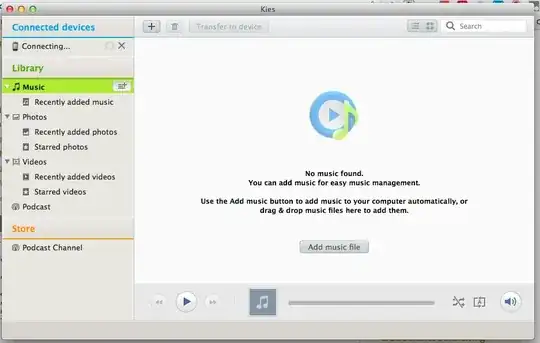
4) Installing Kies and trying to access device from there. I get a perpetual "Connecting..." message.
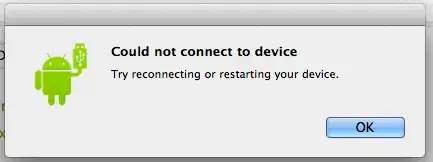
5) Plugging/Unplugging device from Mac. I get the message "Try reconnecting or restarting your device."
The device is definitely getting detected by the system as its shown in DDMS. But what could be the possible cause of not letting me access the storage?
P.S.: Device works fine in Windows, both storage duly pops up in the "Computer" section.


