Within the SSMS Code Editor (for SQL Server 2012) I have this code written within the editor, that has a Dark theme applied. When you click on a variable, SSMS highlights all the other occurrences of that variable in scope. Notice that the variable highlighting colour is quite dark against the background.
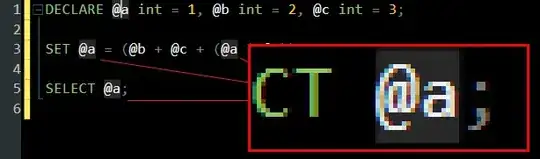
Within the Tools > Options > Fonts and Colors menu, can anyone tell me which is the correct Display items choice to edit this colour? I've been through all of the ones that I can see that roughly match the same colour, but none actually effect the code.

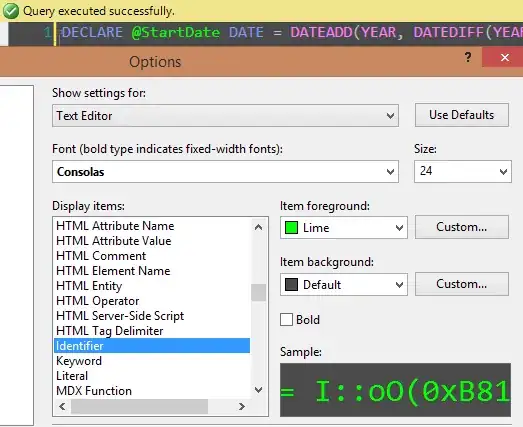

Selected Textoption? In 2014 I no longer get highlighting based on the variable selected. If you are using snippets then I would suggest tryingCode Snippet Field. Others possibly worth trying:Highlighted Reference,Template Parameter,Text. – Aaron Bertrand Aug 14 '14 at 14:29